Track every job application without the messy spreadsheet.
ApplyStack is a calm, local-only Chrome extension. Save any job posting in two clicks and move it through a simple pipeline, entirely on your own device. No account, no backend, no tracking.
Free and unlimited. Built for students, graduates, and job seekers.
One job, done well. Nothing you do not need.
Capture a posting fast and see all of your applications in one calm dashboard, without the cloud accounts, capped free tiers, and broad permissions other trackers ask for.
Two-click save
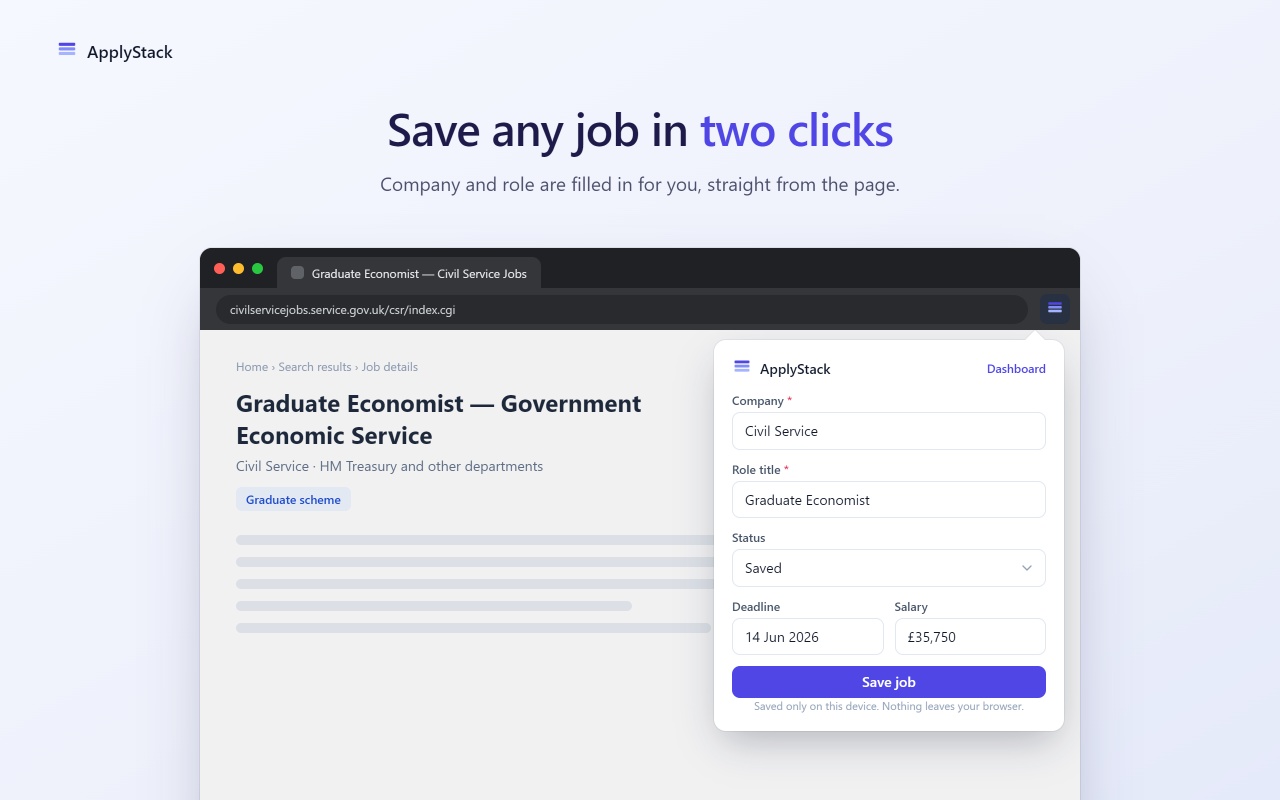
Capture any job page from a clean popup. The URL and a best-effort company and role guess are pre-filled from the current tab.
A calm dashboard
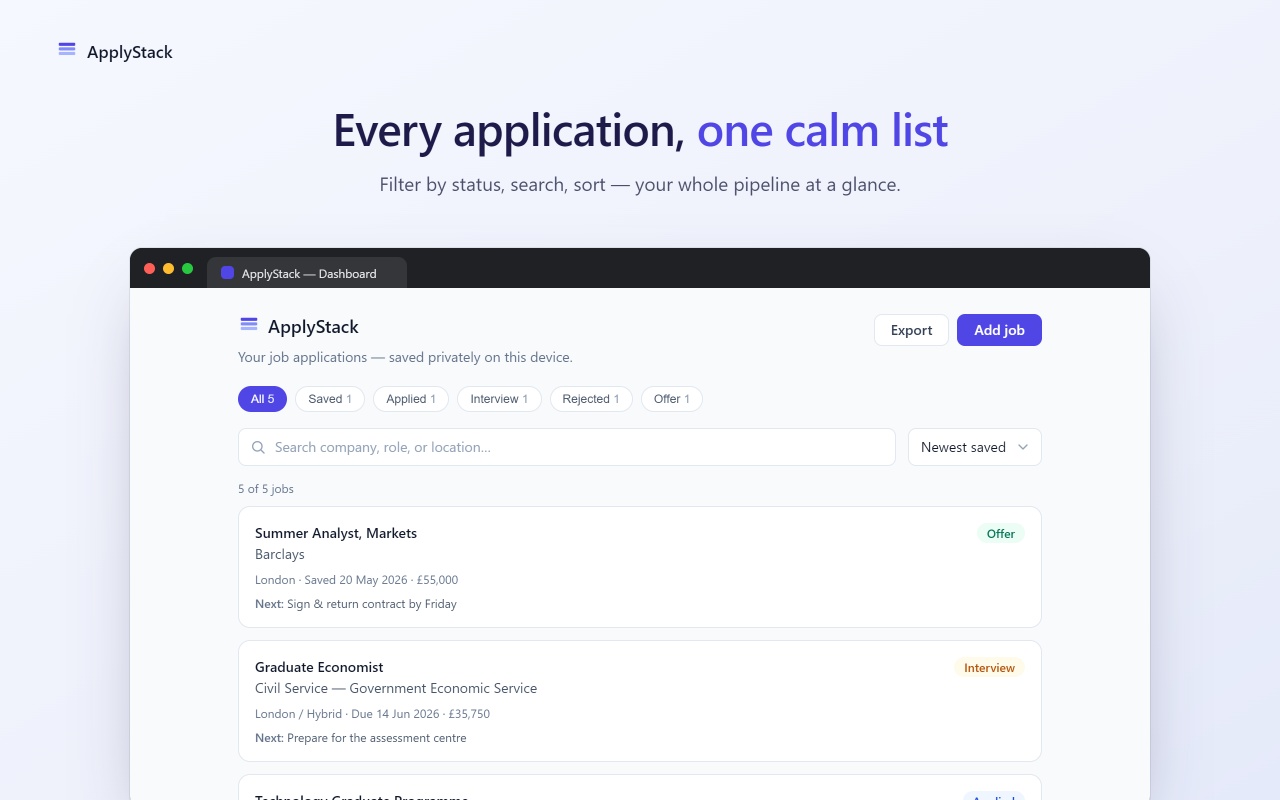
Every saved job in one place. Full fields for company, role, deadline, salary, location, next action, and notes.
Search, filter, sort
Find by company, role, or location. Filter by status with live counts. Sort by newest, oldest, or soonest deadline.
Edit and delete
Update any application in an accessible modal. Delete with a confirmation, so nothing disappears by accident.
Export your data
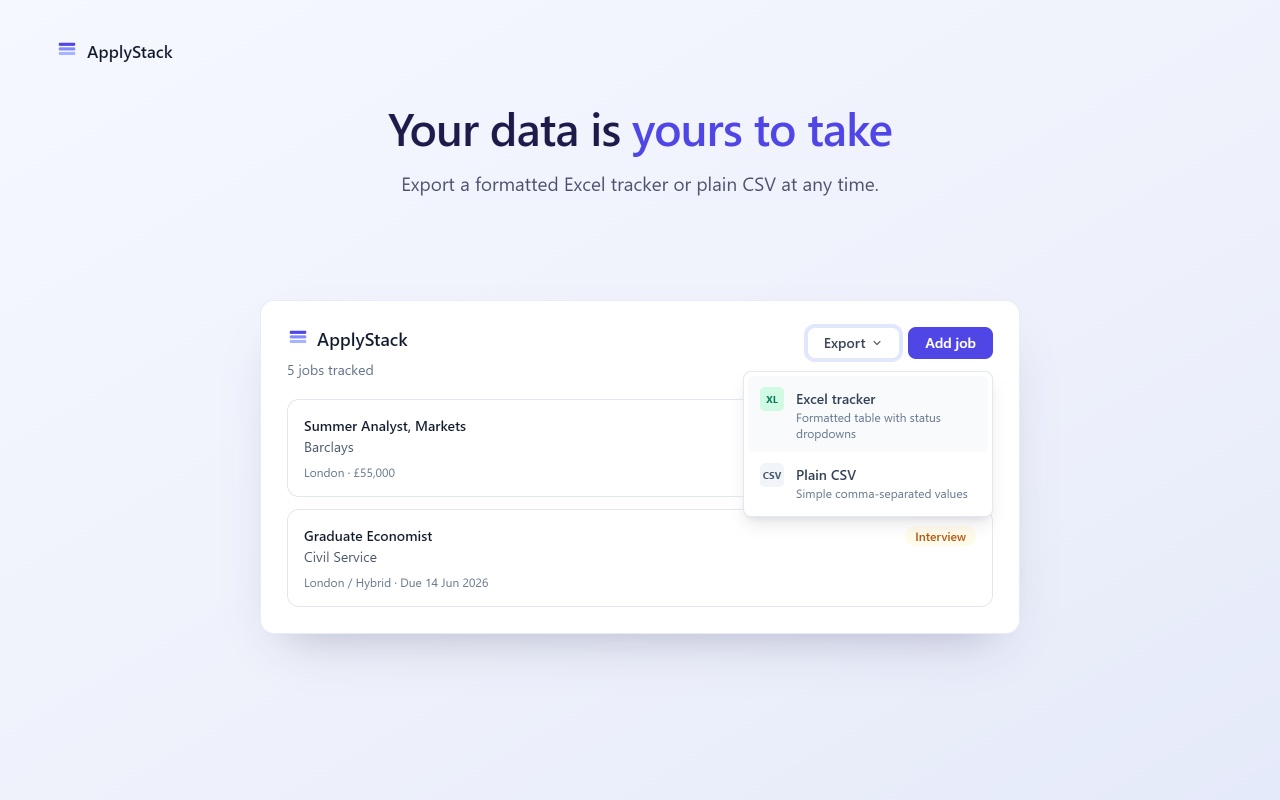
One-click CSV and formatted Excel export of everything. Own your data, with no lock-in and no service to depend on.
Accessible and fast
Keyboard operable, visible focus, and AA-minded contrast. No web fonts to download, so it stays quick and private.
See where every application stands.
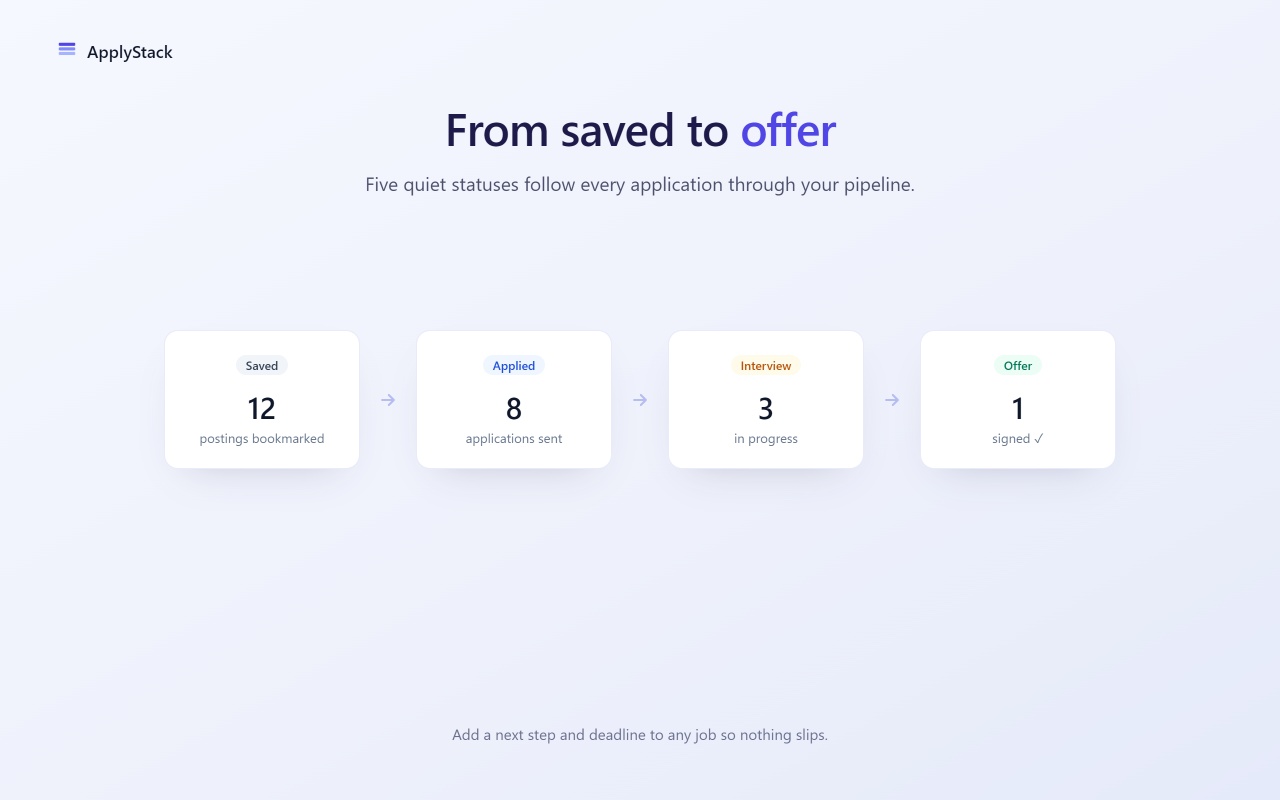
Move each job through five clear stages. The status pills are calm and muted by design, so a rejection never shouts at you.
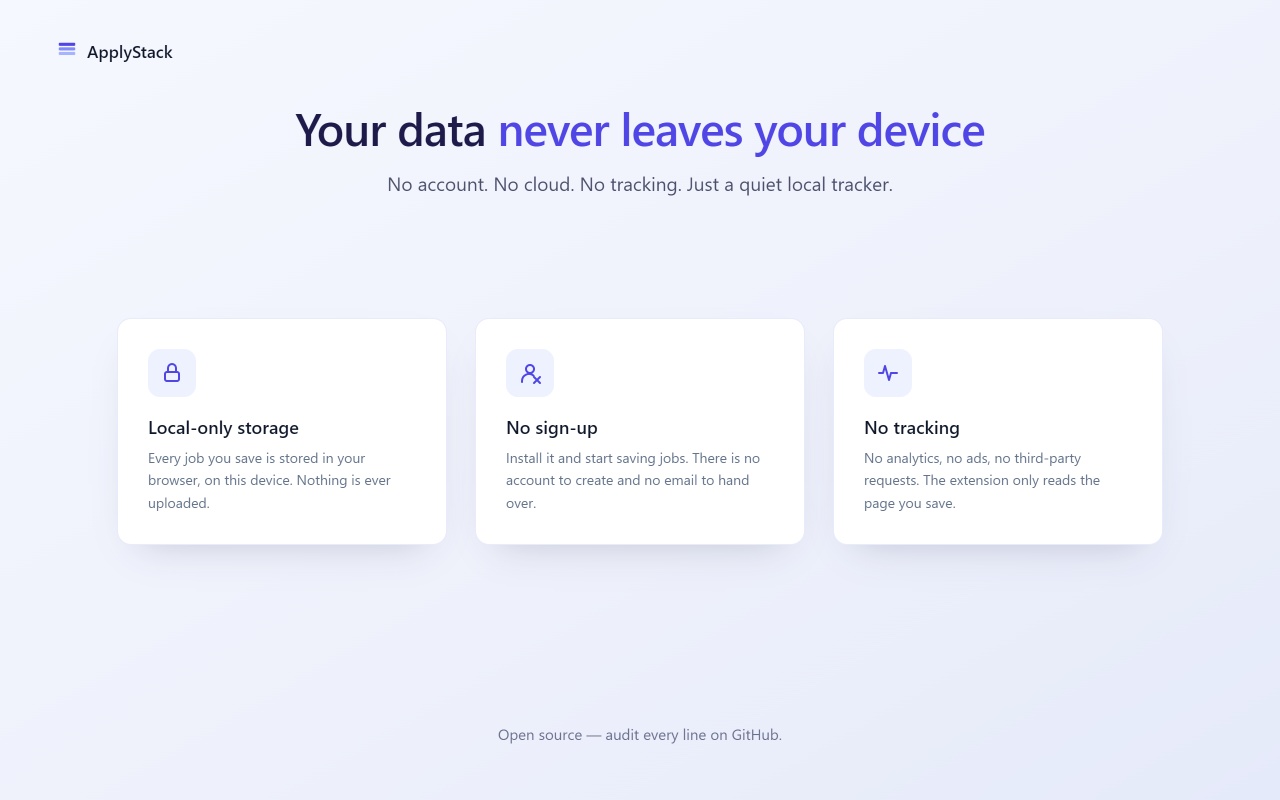
Provably private. There is no server to send your data to.
Most job trackers are heavy: cloud accounts, AI upsells, broad permissions, and data collection. ApplyStack keeps everything on your device, in your browser's local extension storage.
- All data lives in
chrome.storage.localon your computer. - Zero network requests. No database, no cloud storage.
- No analytics, telemetry, ad identifiers, or third-party SDKs.
- Only two permissions: storage and activeTab. Nothing broad.
What ApplyStack collects about you
From job posting to tracked, in seconds.
Open the popup
On any job page, click the ApplyStack icon. The form pre-fills the URL and a best guess at the company and role.
Save in two clicks
Add a deadline, salary, or notes if you like, then save. The job lands in your dashboard as "Saved".
Track to offer
Update the status as you progress, search and filter your list, and export to CSV whenever you want.
Calm, readable, and built to reduce job-search stress.
A quieter way to run your job search.
ApplyStack is launching soon on the Chrome Web Store. Free, unlimited, and private from the first click.